



Beezyspin App
Users who prefer playing from mobile devices can install the Beezyspin app for easier access to the platform. The application is designed to make navigation more convenient on smartphones and tablets while keeping the main casino features available in a mobile format. Installation takes a short time and provides a more streamlined experience for players using smaller screens.



Using Beezyspin on Mobile
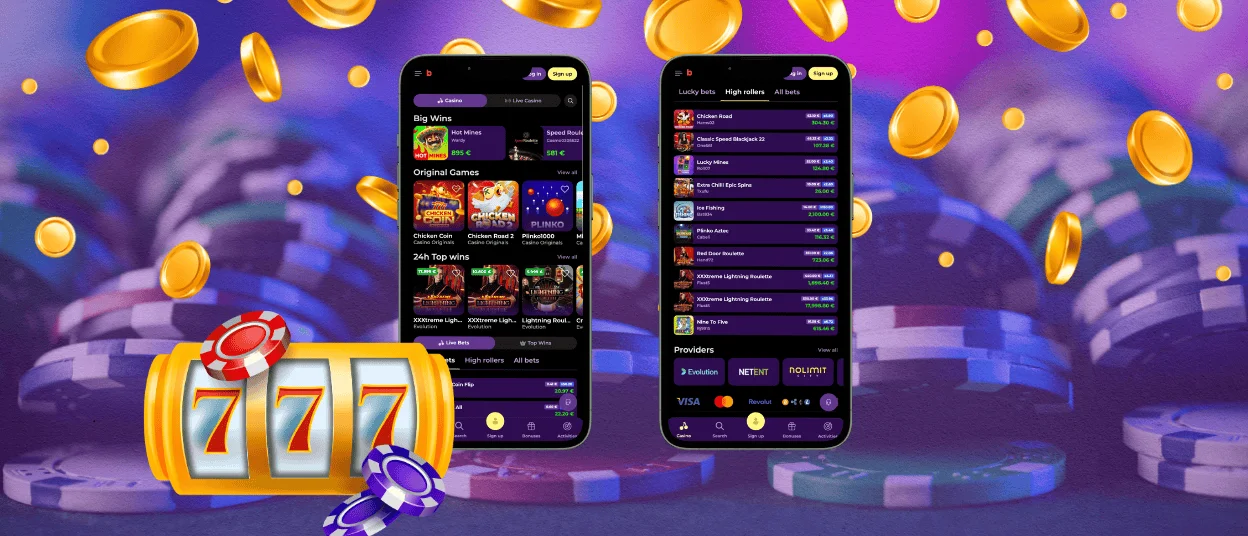
A large share of Beezyspin Casino users play our games from their access from their mobile devices, so mobile optimization is an important part of the overall experience. While the browser version remains fully functional, the dedicated mobile format is intended to make gameplay and navigation more suitable for smartphones and tablets.
When developing the mobile version of Beezyspin Casino, we decided to implement a Progressive Web Application format rather than a traditional native app. This approach keeps many of the practical features of a regular application while reducing some of its limitations. As a result, the Beezyspin mobile solution works as a middle ground between a website and a native app.
- Launches quickly without long downloads during navigation and opening online slots or table games.
- Works across different devices, including smartphones, tablets, laptops and desktop computers.
- Requires very little storage space.
- Updates automatically whenever the Beezyspin app launches, without the need to schedule or wait for manual downloads.
- Provides a more convenient interface for mobile users, with unnecessary elements reduced and key features kept accessible.
- Offers a more focused gameplay layout through updated game page design.
The Beezyspin app is available for everyone who registers with us. Returning players may access their accounts without repeating unnecessary login steps, depending on their browser and device settings. New users can create a profile and complete verification within the app, as it supports the same main functions as the browser version.
Beezyspin App for Android
Android users can install the Beezyspin Casino app directly from the website without needing to search for it in an app store. The installation process is simple:
- Press the three-dot icon in the address bar.
- Select “Add to home screen.”
- Press “Add” to confirm.
Players who have questions about installing or using the app can contact the Beezyspin support team through live chat or email. Both options are available within the application, so users can choose the contact method that is most convenient for them.
PWA Advantages
One reason Beezyspin Casino uses a PWA is its practical operating model. At the moment, this is the only app format available for the platform. It runs through a browser while offering an app-like interface. This means separate software does not need to be developed for each operating system, including Android, which helps keep the platform easier to maintain.
PWAs also require little storage space because they rely mainly on browser technology and online resources. They usually do not require broad access to device hardware, so the Beezyspin app does not request many permissions during installation. While native apps may offer stronger performance in some cases, the platform’s games are generally suitable for this format.
APK Awareness
It is important to note that Beezyspin provides its mobile solution only as a PWA. Any APK files that Android users may find online should be treated with caution, as their origin and safety cannot always be verified. Installing unofficial Beezyspin APK files may create security risks.
| Feature | Beezyspin PWA | APK Files |
| Reliability | Beezyspin Casino provides the official PWA version, reducing safety concerns. | Often distributed through unknown third-party websites. |
| Security | The same browser-based safety tools apply to the app version. | APK files from unofficial sources may contain malware, spyware, or modified code. |
| Installation Process | No external download is required; users add the shortcut to the home screen. | Requires downloading external files and allowing installations from unknown sources. |
| Storage Usage | Lightweight format that uses very little device memory. | APK packages usually take up more storage space. |
| Account Safety | Works through the platform’s official infrastructure, helping reduce access risks. | Unofficial APKs may put login credentials or personal data at risk. |
Players who are unsure which Beezyspin app version is legitimate can contact the support team for guidance. Support representatives can explain how to access the official mobile version safely.
Beezyspin App for iOS
Players using iPhones and iPads can also use the Beezyspin app through the PWA format. The installation process is similar to Android, but it is usually completed through Safari.
- Open the Beezyspin Casino website in Safari.
- Press “Share.”
- Select “Add to Home Screen.”
- Press “Add.”
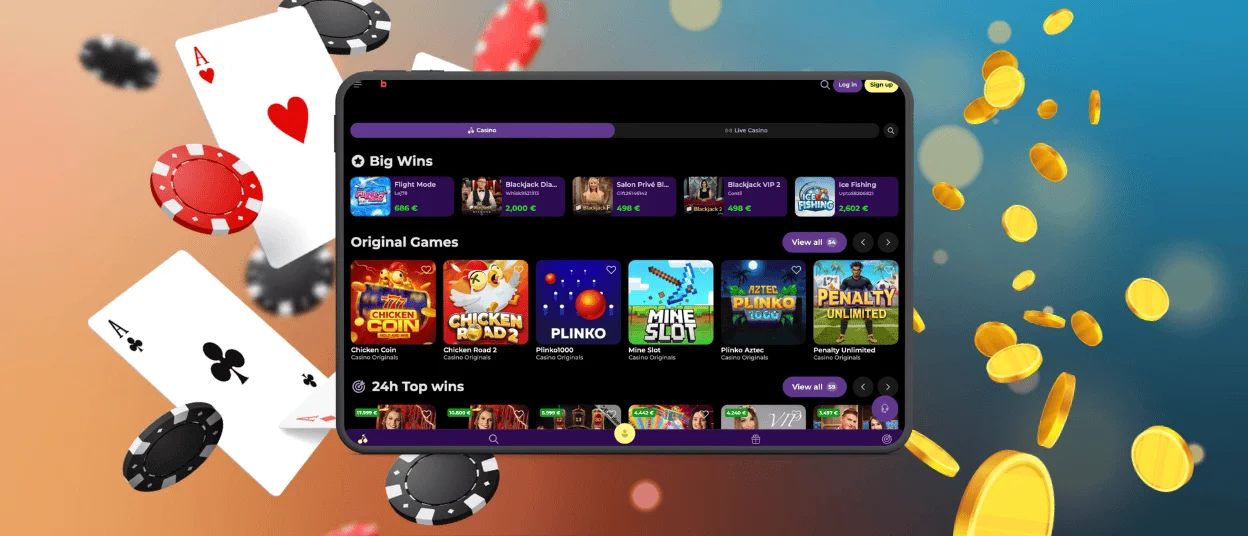
The Beezy Spin icon will then appear on the device screen. If the required button is not visible, users can open the Casino App banner, which leads to the instructions page. This page includes the installation steps and supporting screenshots.
Desktop Applications for Windows and macOS
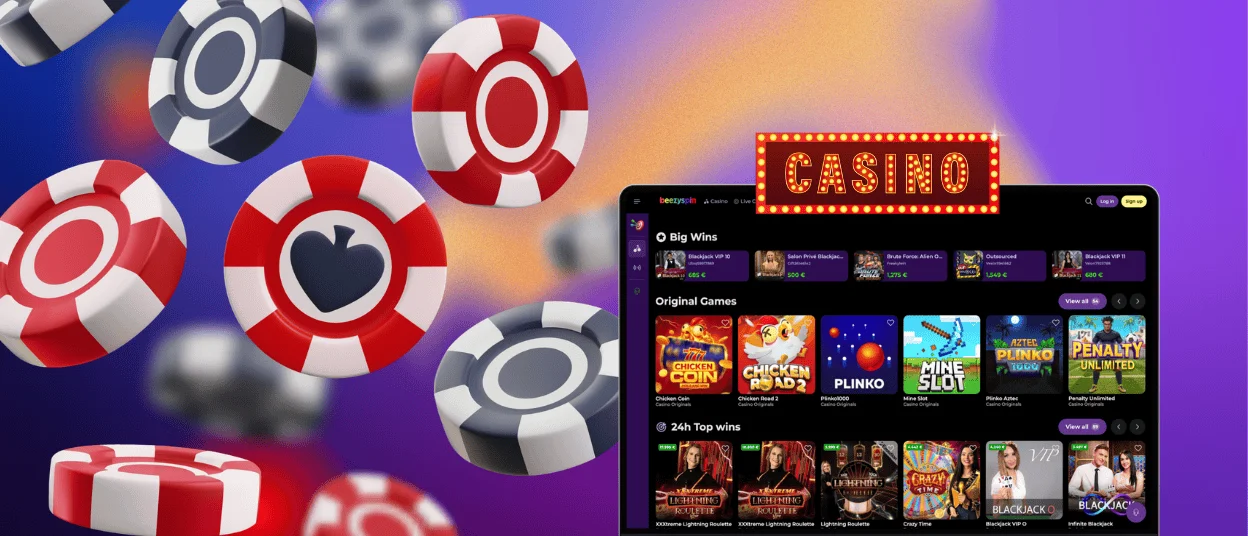
The Beezyspin app is not limited to smartphones and tablets. Since the PWA format is cross-platform, it can also be used on laptops and desktop computers.
Windows users can install the Beezyspin Casino software by selecting “Install application” in the address bar. macOS users can use Safari’s built-in share options to add the application to their device.
FAQ
Is creating an account required to use the Beezyspin app?
An account is not required to install the application, but it is needed to play casino games. Registration can be completed directly in the app, so users do not need to switch to the browser version to create an account.
Do I get the same games on mobile as on desktop?
The available game selection is the same, although the game page design may differ. The layout is adjusted to the device screen size and removes empty spaces that may appear in the desktop browser version.
Does the app support push notifications?
Yes, you can enable push notifications for the mobile version of Beezyspin Casino. To use this feature, you need to allow notifications in your selected browser.


